Colección: Must-Have Accessories
Choose accessories by your handheld model and the job you need them to do: protect the screen, carry the device or add storage. Start with your exact model, then compare the selected package and included items. Buying for an R36S? Compare its cover-and-glass options, screen protector packs and carry case below. Shopping for an RG556 card? Use the separate RG556 listing rather than assuming it works with an R36S.
Use these starting points to find the relevant listing, then check its options before adding to your cart. Accessories are sold according to the selected package; a console or other item is not included unless that package explicitly lists it.
- SD cards: Compare RG556 card capacity options. Choose storage for your needs and check included files, firmware compatibility and setup requirements. Capacity and game-count option labels do not establish a verified game inventory or better emulation performance.
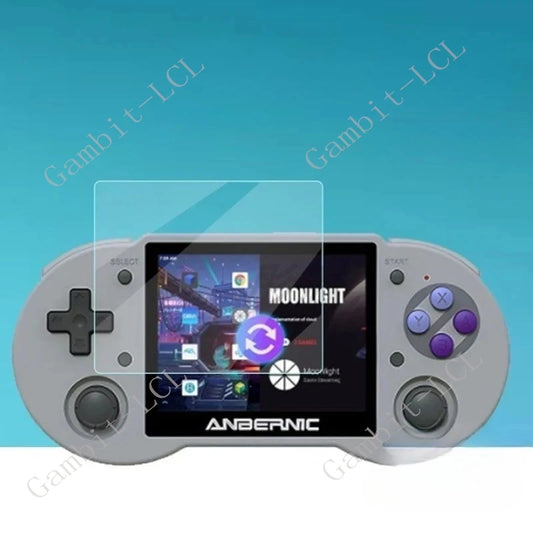
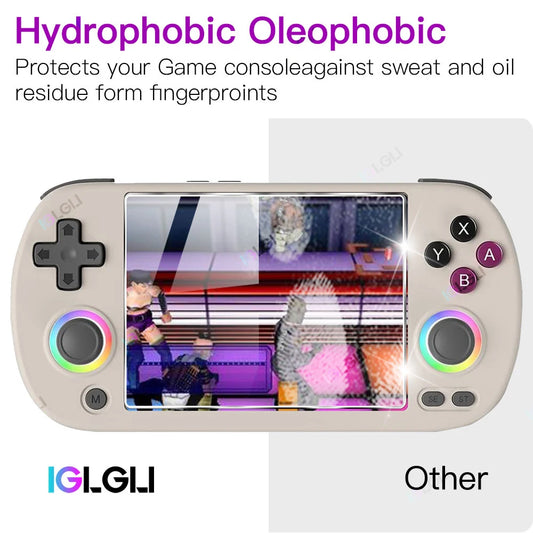
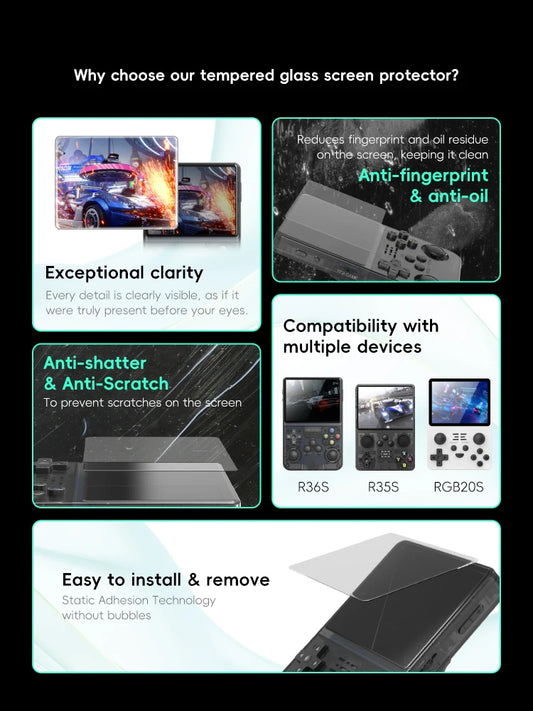
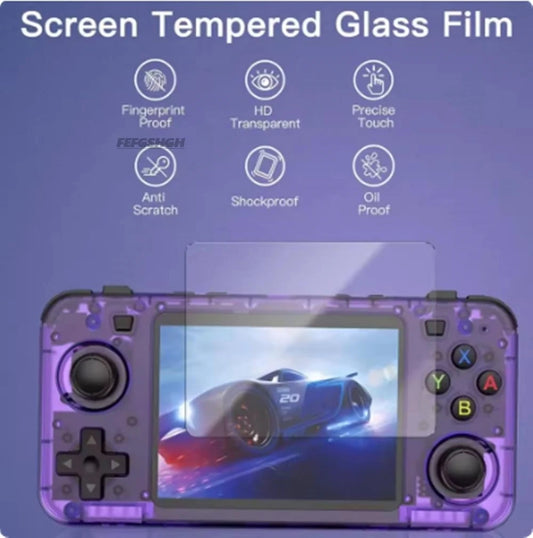
- Screen protectors: Compare R36S screen protector packs, with options labelled 2, 3, 4 or 5 pieces. Match your exact device and screen dimensions, and review the material and installation details; protection is not a guarantee against every scratch or impact.
- Carry cases: View the black R36S carry case. This is a case-only starting point, not a console bundle. Check device dimensions, interior space and closure details; do not assume waterproof or drop-proof protection.
- Model matching: Select accessories for your specific R36S, RG35XX, RG556 or other handheld, including any model suffix or revision. A listing for one model does not establish compatibility with another, and collection membership is not a fit certification.
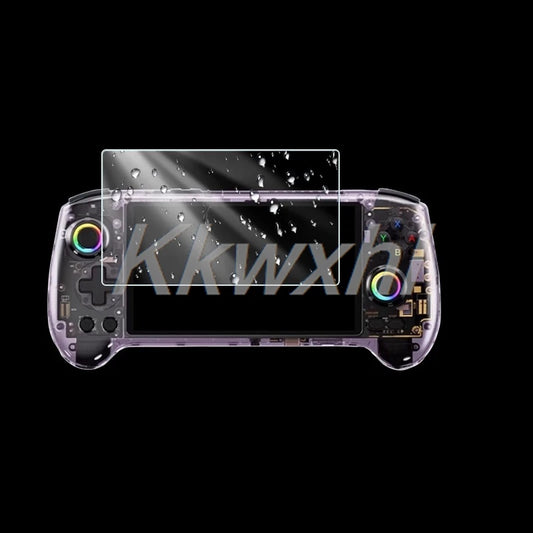
- Package and setup: Compare R36S cover-and-glass packages. Options are labelled 1Case 2Glass, 1Case, 1Case 1Glass and 1Glass. Choose the combination you need and review its included-items description; these are accessories, not a handheld console bundle.
Before ordering, confirm three things: your exact handheld model, the selected package and any setup it requires. Review current shipping and returns terms for your destination. Processing and delivery depend on the order and destination, so plan time-sensitive purchases around the applicable estimates rather than a guaranteed arrival date.

-
RG406V / RG405V Carrying Case | Black EVA Storage Bag with Handle | 1Pc | iGameConsole
Precio habitual $9.99 USDPrecio habitual -
RG35XX Screen Protector iGameConsole 2026 | 2 Piece
Precio habitual $9.99 USDPrecio habitual -
R36S Clear Cover & Screen Glass | Four Package Options | Accessories Only | iGameConsole
Precio habitual $9.99 USDPrecio habitual -
Lenovo Legion Go 2 Screen Protector | 1 or 2 Pieces | iGameConsole
Precio habitual $9.99 USDPrecio habitual -
Lenovo Legion Go 2 Screen Protector | 1-3 Piece Options | iGameConsole
Precio habitual $9.99 USDPrecio habitual -
AYN Thor Protection Accessories | Screen Protector & Shell Options | iGameConsole
Precio habitual A partir de $12.99 USDPrecio habitual$17.99 USDPrecio de oferta A partir de $12.99 USDOferta -
AYN THOR Accessories | Grips, TPU Shell, Cases, Screen Protectors, Pouch & Lanyard
Precio habitual A partir de $9.99 USDPrecio habitual$14.99 USDPrecio de oferta A partir de $9.99 USDOferta -
Handheld Screen Protector Film | RG353V / RG353vs / RG350PM / RG503 / RGB10MAX / Win600 / RG405m / RG505
Precio habitual $9.99 USDPrecio habitual -
RG40XX H / RG35XX H Screen Protector | 1-3 Piece Options | iGameConsole
Precio habitual $9.99 USDPrecio habitual -
ROG Xbox Ally / Ally X 3-in-1 Accessory Kit | Protective Case, Screen Protector & Carrying Bag | White or Black | iGameConsole
Precio habitual $89.99 USDPrecio habitual$129.99 USDPrecio de oferta $89.99 USDOferta -
Tempered Glass Screen Protector for R36S / R35S / RGB20S | 2, 3 or 5 Pieces
Precio habitual $9.99 USDPrecio habitual -
AYN Odin Screen Protector 2-Pack | Odin2 Portal, Odin3, Odin2 Pro, Odin2 Mini or Odin2 | Tempered Glass Film | iGameConsole
Precio habitual $9.99 USDPrecio habitual -
AYN Odin 2 / Odin 2 Pro / Odin 2 Mini Screen Protector 3-Pack | Model-Specific Tempered Glass Film | iGameConsole
Precio habitual $9.99 USDPrecio habitual -
RG556 & RG557 Tempered Glass Screen Protectors | 2 or 4 Pieces | iGameConsole
Precio habitual $9.99 USDPrecio habitual -
RG556 Screen Protector | 1-Piece Option | iGameConsole
Precio habitual $9.99 USDPrecio habitual -
R36S Tempered Glass Screen Protector | 1, 2 or 3 Pieces | Film Only
Precio habitual $9.99 USDPrecio habitual$14.99 USDPrecio de oferta $9.99 USDOferta -
Tempered Glass Screen Protectors for R36S, K36 & RG35XXSP | 1–3 Pieces
Precio habitual $9.99 USDPrecio habitual$14.99 USDPrecio de oferta $9.99 USDOferta -
Tempered Glass Screen Protectors for R36S, R35S, RGB20S, R36Plus & R36MAX | 1–3 Pieces
Precio habitual $9.99 USDPrecio habitual$14.99 USDPrecio de oferta $9.99 USDOferta -
Screen Protector for R36S iGameConsole 2026 | 2 / 3 / 4 / 5 Pieces | Console Not Included
Precio habitual $9.99 USDPrecio habitual -
RG353V / RG353VS Memory Card & Accessory Options | 64G–512G, Bag or HDMI
Precio habitual A partir de $19.99 USDPrecio habitual$29.99 USDPrecio de oferta A partir de $19.99 USDOferta -
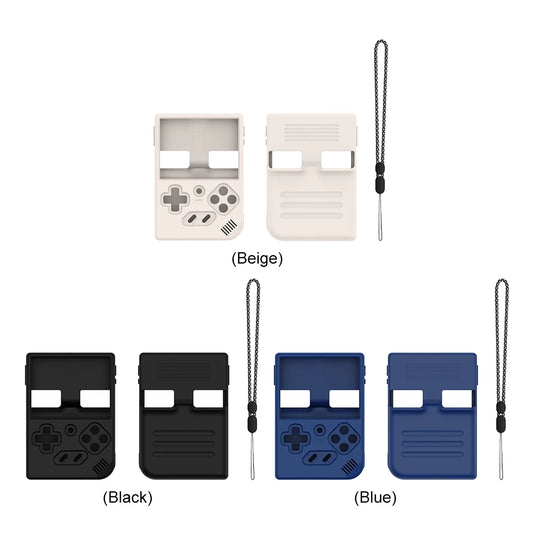
RG35XX / RG35XX Plus Silicone Cover | Model-Fit Options | iGameConsole
Precio habitual $9.99 USDPrecio habitual -
RG556 MicroSD/TF Card & BAG Options | iGameConsole
Precio habitual A partir de $42.99 USDPrecio habitual$59.99 USDPrecio de oferta A partir de $42.99 USDOferta -
RG35XX Plus Soft Console Cover | Black, Blue & White | iGameConsole
Precio habitual $9.99 USDPrecio habitual -
RG556 MicroSD/TF Card | Capacity & Library Options | iGameConsole
Precio habitual A partir de $49.99 USDPrecio habitual$69.99 USDPrecio de oferta A partir de $49.99 USDOferta